
What is CaptchaFox and how to recognise it
CaptchaFox describes itself as a privacy-first, GDPR-compliant bot-protection captcha built and hosted in Europe. It is behavioural: it scores cursor movement, click timing and scroll patterns together with technical signals and network context such as IP reputation. Only suspicious sessions get a visible challenge, which can be a slide puzzle, a one-click confirmation or an audio fallback.
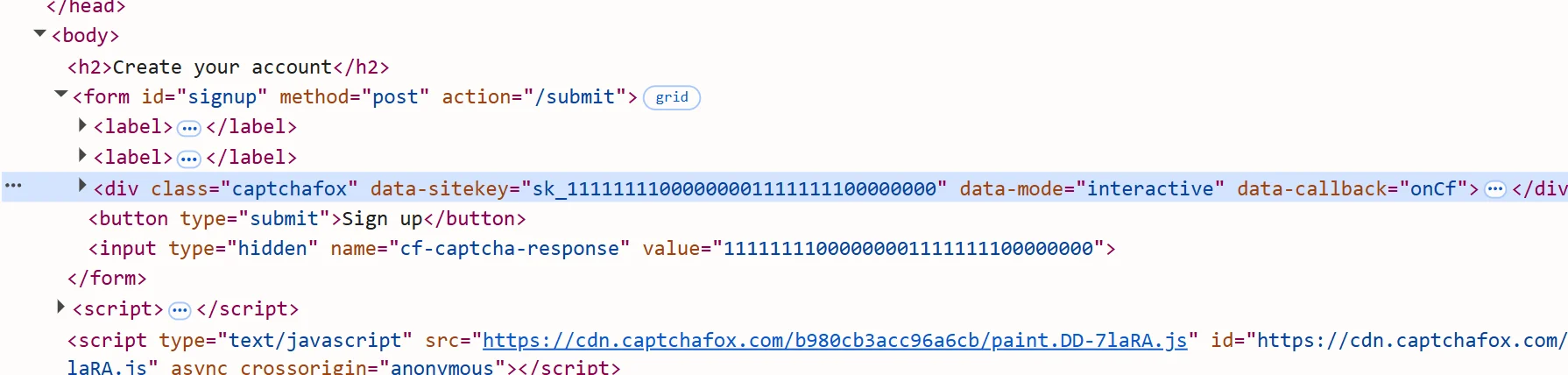
A page that uses it loads cdn.captchafox.com/api.js and has a container with the captchafox class and a data-sitekey attribute. The integration is reCAPTCHA-compatible: on success the widget adds a hidden input with the response token. The task takes no script-host parameter, so it targets the standard host above; a site that serves the widget from a different script host, as some large mail providers do, may reject the token.
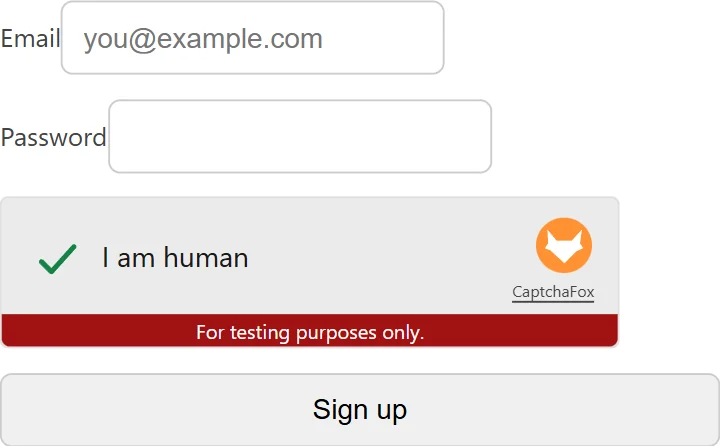
Solving it returns a token. It is single-use and short-lived, and the site verifies it server-side together with the IP it came from.
Extension, API or automation?
SurSolver has no extension or plugin to install. Because a CaptchaFox token is checked against the IP that produced it, the useful question is not which tool to use but which proxy session carries the whole flow: you create the task through the API with that proxy, then your own code submits the form through it. Plain HTTP clients, Playwright, Puppeteer and Selenium all work, as long as they exit through that same proxy.
CaptchaFox makes one thing different from most widgets: the token is tied to the solving IP, so whatever submits the token must go out through the same proxy. A scripted HTTP client that you already route through a sticky proxy is a natural fit; with browser automation, configure the browser to use that same proxy. The API never visits the target site; your code collects the parameters and submits the result.
How to find the sitekey
CaptchaFox sitekeys start with sk_. There are three ways to find one.
Page source: press Ctrl+U and search for captchafox, sk_, data-key or CaptchaFox.init. You are looking for a container with data-sitekey or data-key, or a CaptchaFox.init({ key: "sk_..." }) call.
Network tab, the most reliable: open DevTools, reload, filter requests by captchafox, challenge or init, and read the key from the query parameters or response of the requests to the CaptchaFox host. Console: try document.querySelector('[data-key]')?.dataset.key.
Send the exact page URL that shows the widget as websiteURL, together with the sitekey and your proxy. The key can be dynamic per session on some sites, so if solves suddenly fail, read it again from a fresh page load.
Where the token goes
The widget's hidden input is submitted as the POST field cf-captcha-response, so that is where the token goes on a standard integration. The site then verifies it with CaptchaFox.
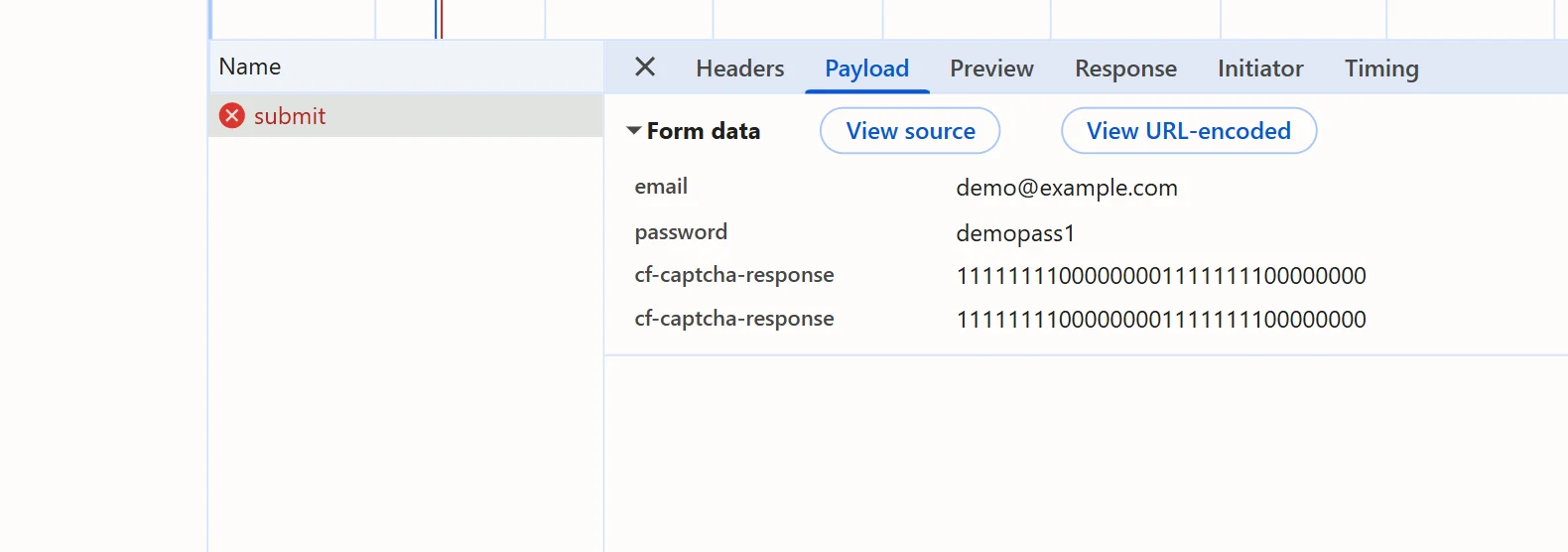
Custom integrations rename it. Complete the captcha once by hand and read the request in the Network tab: observed variants include cf_token, captcha_response, captchafox_token, a header such as X-Captcha-Token, or a field inside a JSON body. Use whatever name the site's own request uses.
Submit the token immediately and through the same proxy IP as the solve; when the solution includes a user agent, use that one for the submission. Tokens live a few minutes and are single-use.
Common mistakes
The most common failure is a context mismatch. The token is bound to the IP that solved it, and a different IP at submission fails verification with invalid-ip-match. Use the same proxy, submit with the user agent returned in the solution when there is one, and pick a proxy in a geography that suits the target.
The second is the wrong proxy type. A proxy that rotates on every request breaks the solve; use one sticky session of at least five minutes, one session per solve, and submit through it.
The third is a stale or replayed token. Tokens are single-use and expire within minutes, so poll and submit straight away. A replay comes back as timeout-or-duplicate.
The fourth is posting to the wrong place. If the standard field name does not work, sniff the real one from a manual solve instead of guessing.
The last is a stale sitekey: it can change per session, so re-extract it when a previously working integration starts failing.
Solve it with SurSolver
Send the page URL, the sitekey and your proxy to createTask with the task type CaptchaFoxTask, then poll getTaskResult until the status is ready. The solution carries the token and, when the solver reports one, the user agent. A task is charged when it is accepted, and failed tasks automatically return their original charge once; the accepted names and parameters are listed by the public catalog (GET /v1/task-types).