
What is the Cloudflare challenge page and how to recognise it
The Cloudflare challenge — also called the interstitial or "Just a moment…" page — is a full-page check that Cloudflare serves instead of the page you asked for, usually with HTTP 403. Some variants clear themselves after scripted checks; others show a "Verify you are human" checkbox, possibly over more than one round. When the check passes, Cloudflare sets a cf_clearance cookie (often together with __cf_bm), and requests carrying it are served normally until it expires or is revoked.
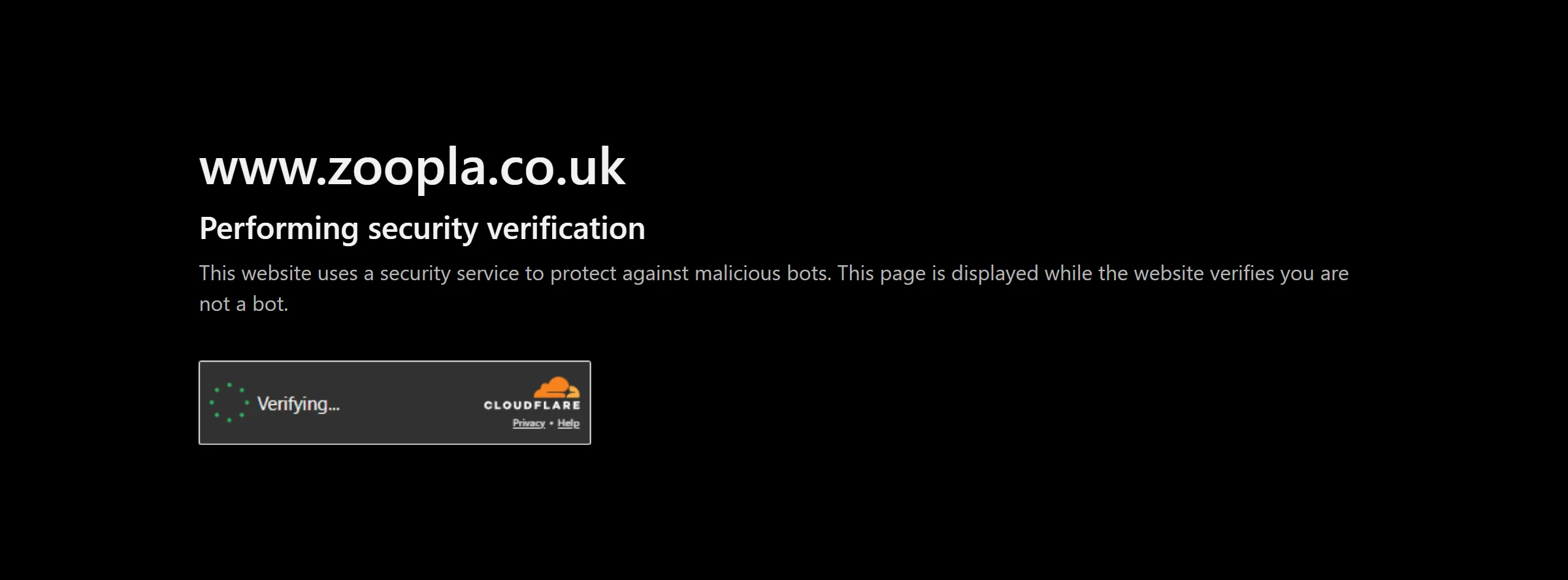
Do not confuse it with Turnstile. Turnstile is a widget a site embeds in its own page, it needs a sitekey and returns a token. The challenge page needs no sitekey, takes the URL that is being challenged, and its useful result is the cookie. If your first request returns 403 and a page that only says "Just a moment…", this is the right type; if a normal page contains a cf-turnstile element, use the Turnstile task instead.
Extension, API or automation?
There is no browser extension: SurSolver is an HTTP API that you call from your own code with createTask and getTaskResult.
For this type the typical setup is an HTTP client that sends its requests through your own static proxy: you submit the challenged URL and that proxy, receive the cookies and user agent, and attach them to the requests you make through the same proxy. A browser-automation script works too, as long as it runs through that proxy as well.
How to find the parameters
There is no sitekey to find. The task needs the URL that actually returns the challenge: use the route that served the interstitial, not the site root, because challenges apply per route. If a solve reports that no challenge is present, the wrong route was sent.
Two optional parameters help. userAgent is the browser user agent you will reuse for the replay; send a current Chrome one, and the same one you browse with. html is the raw interstitial page as your client received it, as plain HTML rather than base64. Capture it fresh for each attempt, through the same proxy, because the page is specific to that visit. In a browser you can read the challenge type from window._cf_chl_opt.cType (managed, interactive or non-interactive), which is a useful hint when a solve takes longer than expected.
The proxy is required: static or sticky, and kept for at least about three minutes. Transparent and localhost proxies do not work.
Where the cookies go
Attach the whole returned cookie jar to your requests, not just cf_clearance — sites often pair it with __cf_bm. Send the requests through the same proxy that was used for the solve and set the User-Agent header to the value in the solution. One solve covers the whole origin for as long as the cookie lives, not just a single request.
In a browser-automation script, add the cookies to the browser context before navigating and run the browser through the same proxy. Cookie lifetime is reported to range from about half an hour to a few hours, and Cloudflare may revoke it earlier when the traffic pattern changes: re-solve when you are challenged again instead of retrying with the old cookie.
Common mistakes
The most common mistake is changing the IP. cf_clearance is bound to the exit IP and the user agent; rotating proxies, a different exit or a different user agent makes Cloudflare treat the client as cookieless again. Use one static proxy for the solve and every replayed request.
The second is the client itself. A plain HTTP library has a TLS fingerprint that differs from a real browser, and a valid cookie may still be refused; use a client that presents a browser-accurate fingerprint. Third, sending a stale html: a page captured earlier, or one without the challenge markers, is rejected up front, so capture it again for every attempt.
Finally, do not treat a failed solve as a parameter problem. If a solve fails, the proxy IP may be blocked, and the fix is a different proxy rather than different parameters. Interactive challenges take longer than managed ones, so set your polling timeout for the slow case instead of the average.
Solve it with SurSolver
Send the challenged URL and your static proxy to createTask with the task type AntiCloudflareTask; the alias CloudflareChallengeCookie is also accepted. This type is proxy-only, so there is no proxyless name. Add userAgent and html when you have them, then poll getTaskResult until the status is ready. The solution carries the keys the solver produced: cookies (including cf_clearance), token and userAgent, though not always all of them. The accepted parameters are listed by the public catalog (GET /v1/task-types).