
What is Friendly Captcha and how to recognise it
Friendly Captcha is a privacy-oriented bot check. The visitor's browser solves a cryptographic proof-of-work puzzle in the background, so there is no image to pick and no checkbox to tick. It ships as an embeddable widget: an element with a data-sitekey attribute plus loader scripts.
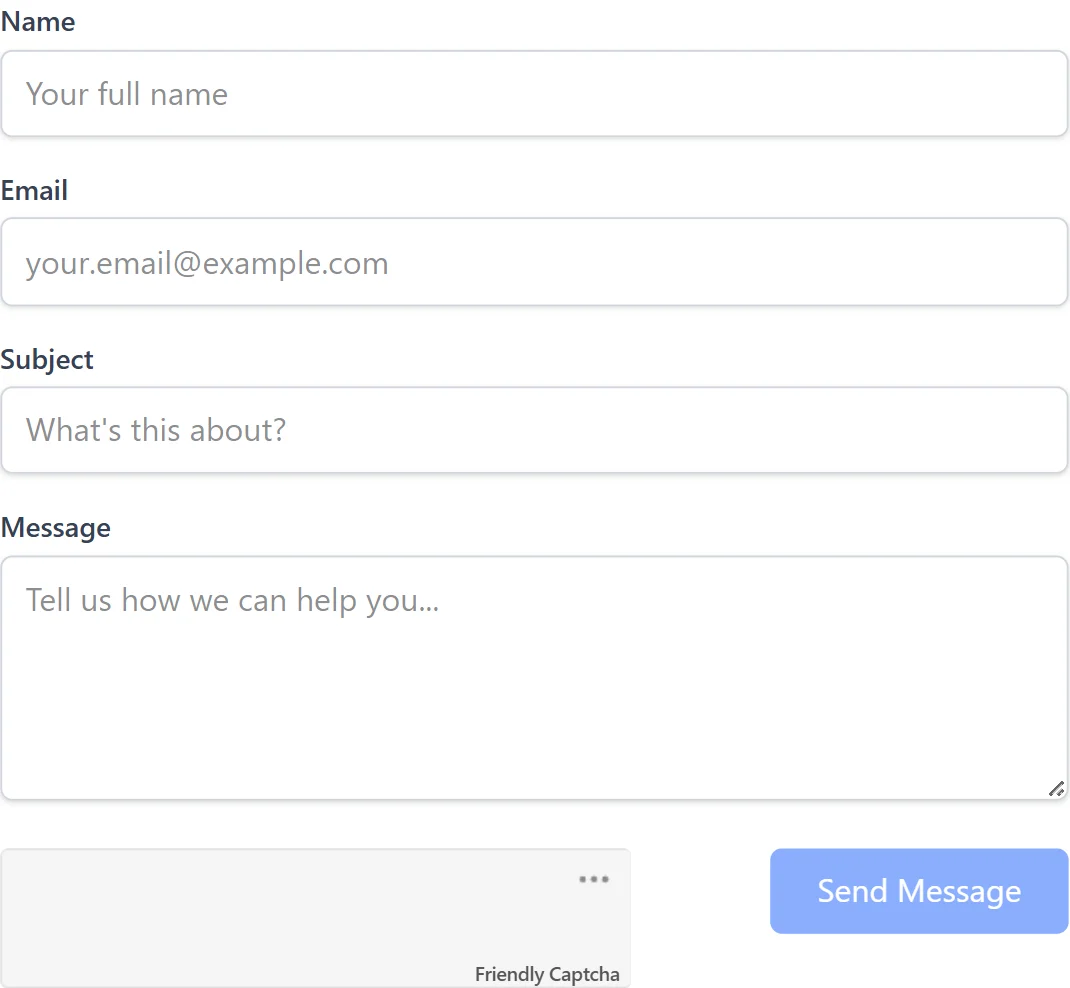
The widget exists in two generations, v1 and v2. They load different script files and return different token shapes, which matters when you place the token. The scripts the page loads tell them apart.
What you get from a solve is always a token string that is posted back with the protected form. There is no image or challenge payload to relay.
Extension, API or automation?
There is no browser extension: SurSolver is an HTTP API, and the token comes back through createTask and getTaskResult. Browser automation is the usual partner for this captcha, because the token has to be written into the page you are driving while the widget script is kept out of it. Playwright and Puppeteer can both abort a script request; a plain HTTP client works when you post the form yourself and the widget never loads.
How to find the sitekey
Open DevTools, go to the Elements panel and search for data-sitekey. The widget element carries the sitekey there. On v1 you can also filter the Network tab for puzzle?sitekey= and read the sitekey from that request; on v2 search the page source or the network traffic for sitekey.
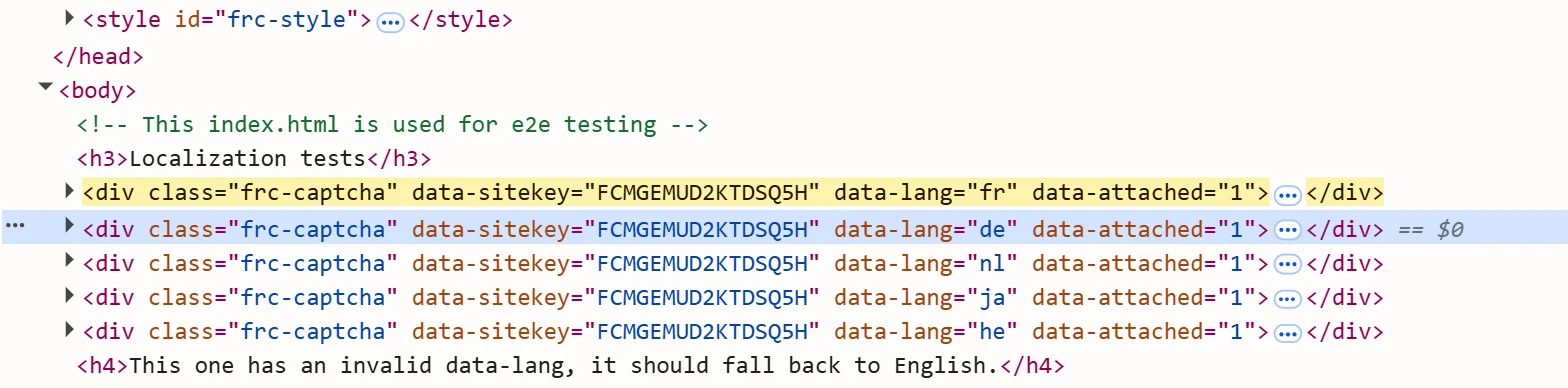
The page URL is the full address of the page that hosts the widget, including the exact path of the form. To find the version, look in the Network tab for the script: widget.module.min.js or widget.min.js means v1, and site.min.js means v2. The x-frc-client request header holds the client version number. The task also accepts optional version, moduleScript and nomoduleScript fields for these values; the sitekey and page URL are the required ones.
Where the token goes
Put the token in the hidden input the widget would have filled, then submit the form. On v1 the field is named frc-captcha-solution; on v2 it is frc-captcha-response. If the widget element sets data-solution-field-name, use that name instead. If it defines data-callback, call that function with the token.

Order matters. The widget script must not be loaded on the page when you inject the token. In Playwright, abort the request for the widget module script before you open the page, set the field, and submit. A token injected while the widget script is running is likely to be rejected.
Common mistakes
The biggest one is leaving the widget script loaded. Abort the script request first, then inject the token; with the widget running, the token is likely to be rejected.
The second is putting a v1 token into the v2 field, or the other way round. Work out the version from the script URL or the x-frc-client header before you decide on the field. Third, check data-solution-field-name and data-callback before assuming the default names; a custom field name is easy to miss and looks exactly like a rejected token.
Last, do not reach for a proxy first. Try the proxyless task name, and use your own proxy only if the site refuses the tokens that came back without one.
Solve it with SurSolver
Send the page URL and the sitekey to createTask with the task type FriendlyCaptchaTaskProxyless, or FriendlyCaptchaTask when you want to solve through your own proxy. Then poll getTaskResult until the status is ready; the solution carries the token and, when the solver reports one, a user agent. The accepted names and parameters are listed by the public catalog (GET /v1/task-types).