
A CAPTCHA is easy to misread because the part you see (a checkbox, a puzzle, nothing at all) is not where the decision is made. This guide walks through what happens between the widget and the site's server, the four kinds of check you meet when you automate a site, and the usual reasons a check that looks passed is still refused. You will be able to name what a page is running and pick the matching SurSolver task type.
What a CAPTCHA does
A CAPTCHA is a check a site puts in front of an action (a login, a signup, a checkout, sometimes the page itself) to decide whether a person or a script is on the other end. The browser side collects evidence: a click, a solved puzzle, a computed proof, or only background signals. The decision is made later on the site's server, which holds a secret key the browser never sees.
That split gives you two separate things that can go wrong. The browser side can fail to produce a result, or the server can refuse a result that looked fine. A solved widget is not an accepted request, and the rest of this guide keeps the two apart.
The challenge and verification flow
Widget-style CAPTCHAs (reCAPTCHA, Cloudflare Turnstile, Prosopo, CaptchaFox, MTCaptcha) share the same four steps:
- The page renders the widget with a public site key, usually in a
data-sitekeyattribute. - The visitor, or only the visitor's browser, passes the check and the widget produces a token, a one-time string.
- The token is submitted with the form, typically in a hidden field, or handed to a JavaScript callback the page registered. Field names differ by vendor:
g-recaptcha-response,cf-turnstile-response,procaptcha-response,cf-captcha-response,mtcaptcha-verifiedtoken. - The site's server sends the token and its secret key to the vendor's verification endpoint (Google's
siteverify, Cloudflare'shttps://challenges.cloudflare.com/turnstile/v0/siteverify, Prosopo'shttps://api.prosopo.io/siteverify, CaptchaFox'shttps://api.captchafox.com/siteverify, MTCaptcha's CheckToken API) and only processes the request if the answer is positive.
Altcha is the variation: the site issues the challenge itself and verifies the answer with one cheap cryptographic check, with no third-party call.
The site key is public and the secret is not. A solver therefore only reproduces the browser side; the site's own verification still decides.
Four kinds of check
Image and puzzle challenges
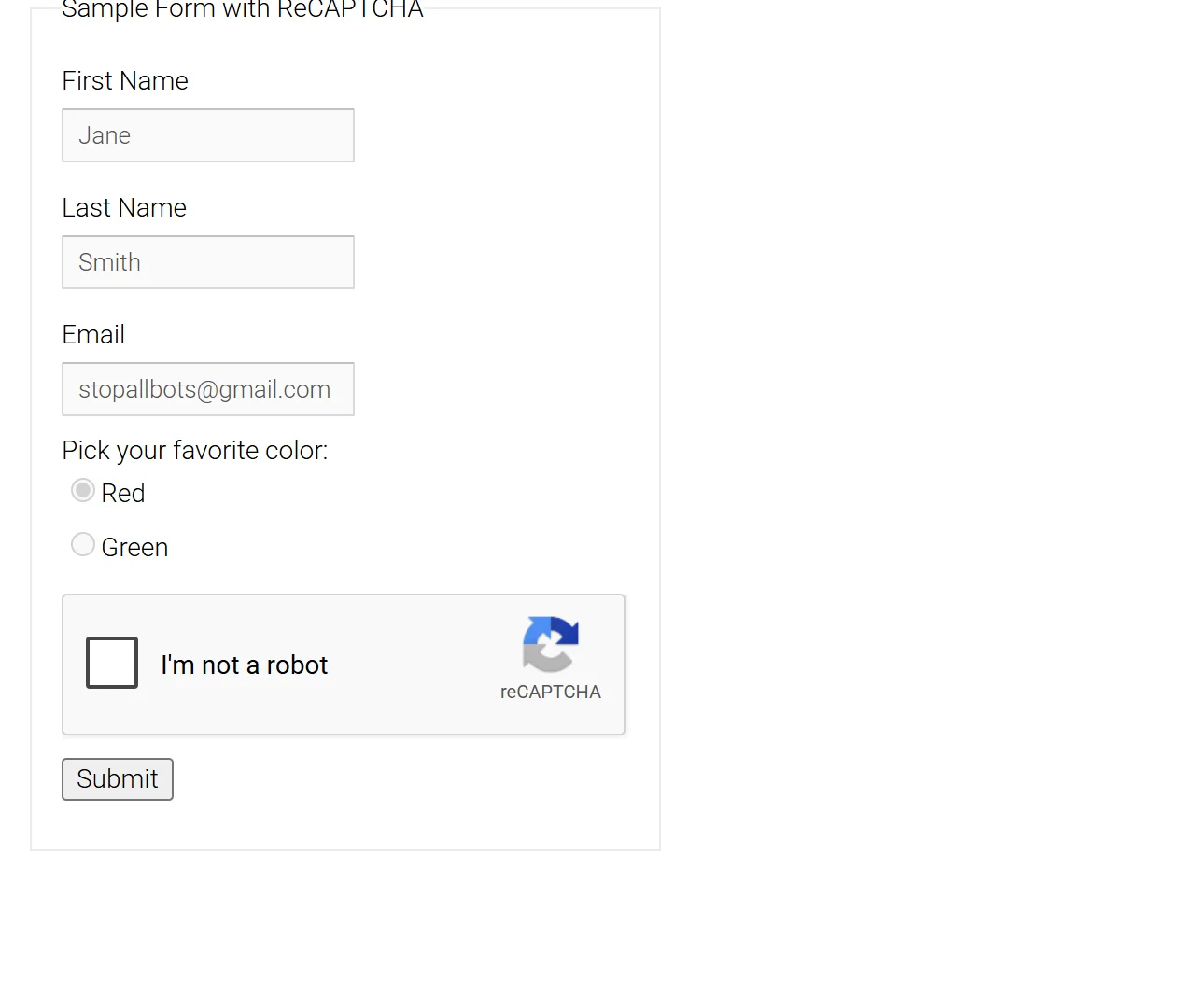
The reCAPTCHA v2 checkbox ("I'm not a robot") can open an image grid. GeeTest serves slide, icon-click and other puzzles, chosen per visitor by risk analysis. MTCaptcha and CaptchaFox run background risk analysis first and show a visible challenge only to suspicious visitors: a text captcha for MTCaptcha, a slide puzzle, one-click confirmation or an audio fallback for CaptchaFox.
Invisible checks and scores
reCAPTCHA v2 has an invisible mode: no checkbox, and the challenge fires when the visitor submits a form or clicks a button. reCAPTCHA v3 goes further and never shows a challenge. It observes the session and returns a score from 0.0 (bot) to 1.0 (human) for a named action such as login. The site decides what to do with the score, and Google suggests starting with a threshold of 0.5. v3 blocks nothing by itself; what happens at a low score is the site's own logic.
Turnstile is configured per widget as managed, non-interactive or invisible.
Proof of work
Some checks ask the browser to compute instead of recognise pictures. With Altcha the server issues a challenge, the browser searches for a number in a Web Worker, and the server verifies the result. Friendly Captcha runs a cryptographic puzzle in the background with nothing to click. Prosopo works in tiers: a frictionless check, proof of work, and an image selection shown only to visitors who look suspicious.
Edge protection that issues cookies
Bot-management systems sit in front of the whole site instead of inside a form:
- Cloudflare's challenge page ("Just a moment…", served with HTTP 403) ends in a
cf_clearancecookie. - Akamai Bot Manager runs a JavaScript sensor that posts
sensor_dataand validates the_abckcookie. - DataDome scores traffic silently and, on suspicion, blocks with a 403 and a slider or device check. The result is a
datadomecookie. - PerimeterX (HUMAN) sets
_px3and may show "Press & Hold". - Vercel's Security Checkpoint is a full-page challenge in front of sites that use Vercel Firewall's Attack Mode.
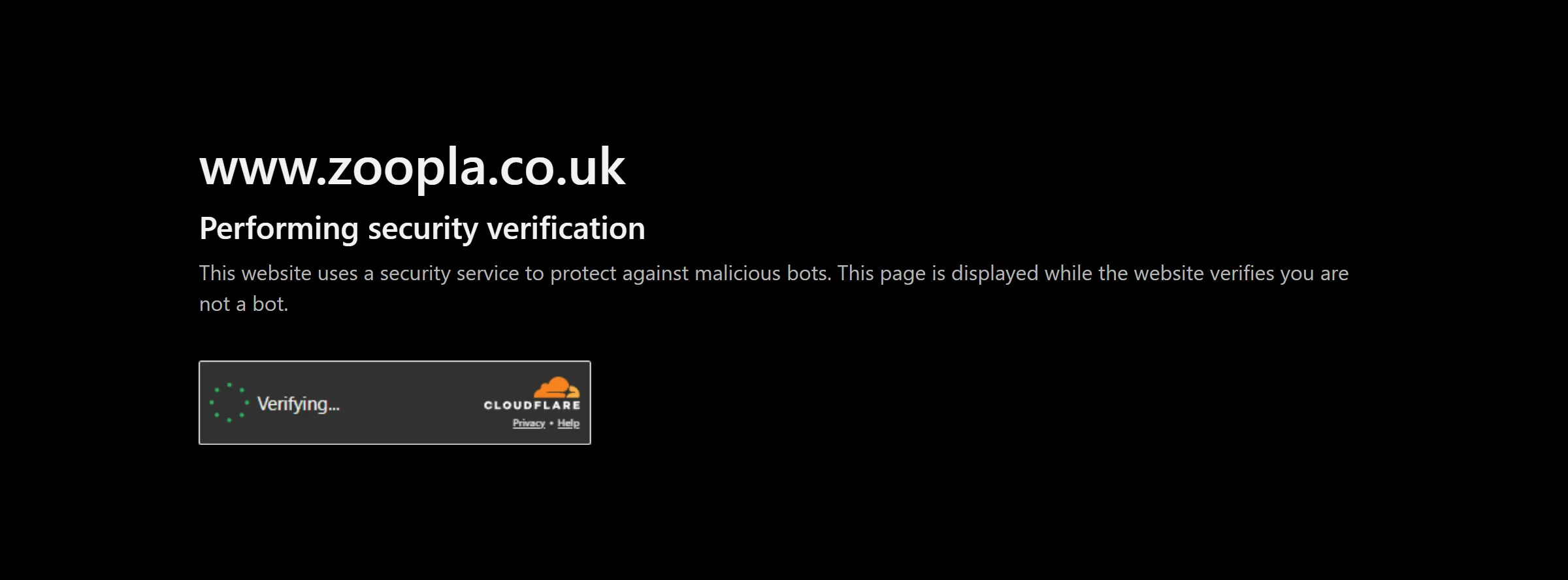
These produce cookies instead of tokens. For Cloudflare, Akamai, DataDome and PerimeterX the cookie is tied to the IP and user agent that earned it: replay it from a different IP or with a different user agent and the site treats you as cookieless again.
What each SurSolver guide covers
Every type has a landing guide. The table shows how each captcha checks and which keys its solution contains. userAgent is present only when the solver reports one.
| Captcha | How it checks | Solution keys |
|---|---|---|
| reCAPTCHA v2 | Checkbox, invisible or Enterprise | gRecaptchaResponse, userAgent |
| reCAPTCHA v3 | Invisible score per action | gRecaptchaResponse, userAgent |
| Cloudflare Turnstile | Widget in the page, three modes | token, userAgent |
| Cloudflare Challenge | Full-page interstitial | token, cookies, userAgent |
| Vercel | Security Checkpoint page | token, cookies, userAgent |
| FriendlyCaptcha | Background proof of work | token, userAgent |
| Altcha | Proof of work against the site's own challenge | token |
| Prosopo | Tiers: frictionless, proof of work, image | token, userAgent |
| CaptchaFox | Behavioural scoring, challenge on suspicion | token, userAgent |
| GeeTest | Puzzles, v3 and v4 | challenge, validate, seccode (v3); captcha_id, lot_number, pass_token, gen_time, captcha_output (v4) |
| MTCaptcha | Risk analysis, text challenge on suspicion | token, userAgent |
| Akamai | JavaScript sensor, _abck cookie |
cookies, userAgent |
| DataDome | Silent scoring, slider or device check | token, cookies, userAgent |
| PerimeterX | Silent scoring, "Press & Hold" | token, cookies, userAgent |
Why a passed check can still fail
- A used or old token. Tokens are single-use and short-lived: about two minutes for reCAPTCHA, about five for Turnstile. Verifying a token twice, or late, returns
timeout-or-duplicateto the site. A redirect or a retry that re-sends the form is enough to redeem a token twice. - The wrong variant. A standard reCAPTCHA token fails on an Enterprise page and the other way round. Invisible v2 and v3 look alike on the page, a Turnstile widget and a Cloudflare challenge page are different products, and GeeTest v3 and v4 take different parameters. How to identify any CAPTCHA shows how to tell them apart.
- A mismatched action. A v3 token carries the action it was made for, and the site's verification echoes it back, so a server that checks it rejects a token made for another action. Turnstile's
actionandcDatawork the same way when the widget declares them. - A score below the site's threshold. A v3 token can be genuine and still be refused because the score is lower than the site wants.
- A different context. CaptchaFox reports
invalid-ip-matchwhen the submitting IP differs from the solving IP. MTCaptcha tokens carry the hostname and IP they were issued for. A Prosopo site that uses session correlation ties tokens to its own session id.
Where automation fits
A script that automates a page has to produce what a browser would have produced: a token in the right field or callback, or cookies in the right session. SurSolver is an HTTP API for that. You send the page URL and the parameters you read from the page, receive the solution, and your own code delivers it. There is no browser extension to install.
The delivery step has its own guide: how to submit a CAPTCHA token covers form fields, callbacks and cookies. If you are wiring this into a scraper, start with solving CAPTCHAs in web scraping with Python.
Next steps
Find your captcha in the table and open its solver guide, such as reCAPTCHA v2. Then send a createTask request and poll getTaskResult every 3 seconds, as shown in the Quickstart. A task is charged when it is accepted and a task that finishes as failed automatically returns its original charge once, so Task lifecycle is worth reading before you build retries.